
Note: You must have an account to earn badges in the app. Learn how to set up an account.
There are four badges you can earn in the Little Free Library mobile app: Library Finder, Book Giver, Donor, and Recurring Donor. Some badges have multiple levels you can unlock!
- Earn the first level of the Library Finder badge by checking in to five Little Free Libraries—as you check in to more libraries, you will unlock higher levels of the badge!
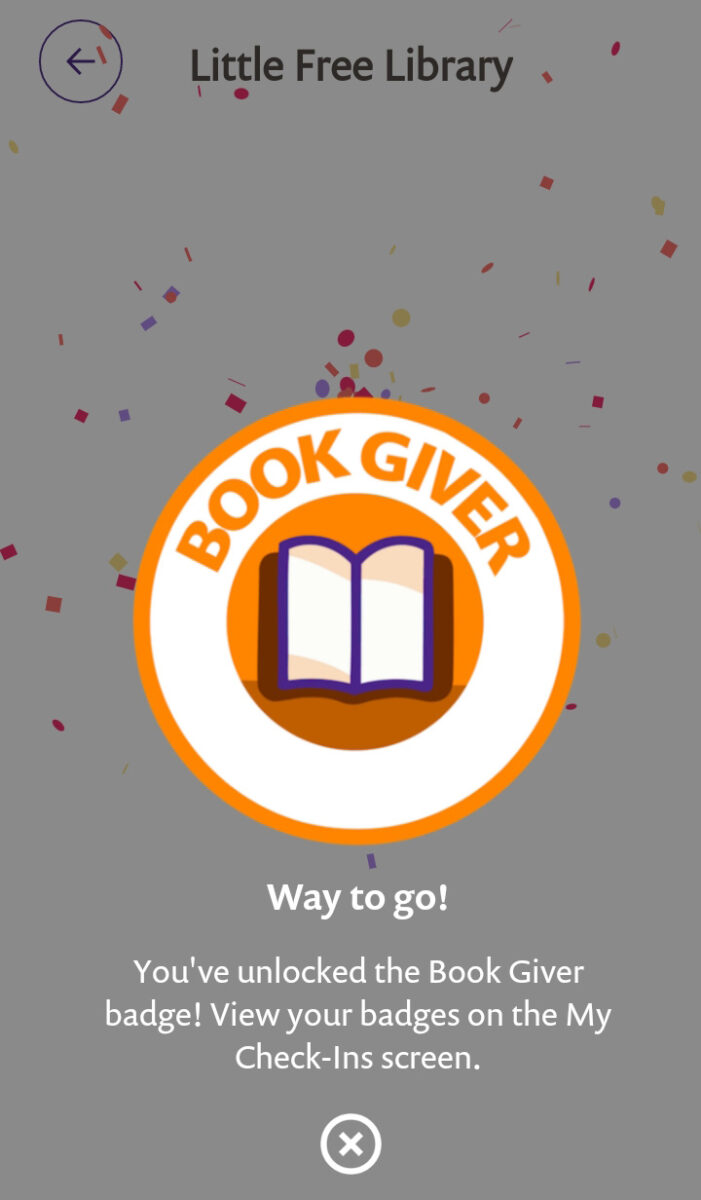
- Earn the first level of the Book Giver badge by sharing 20 books in Little Free Libraries. Every time you check in to a library, be sure to enter the number of books you took or left. The app tracks your progress—as you share more books, you will unlock higher levels of the badge!
- Earn the Donor badge by making a gift to the Little Free Library nonprofit organization. Your donation supports our nonprofit programs!
- Earn the Recurring Donor badge by setting up a recurring donation to the Little Free Library nonprofit organization. Your donation sustains our nonprofit programs and ensures we can continue to grant little libraries to areas where access to books is scarce.
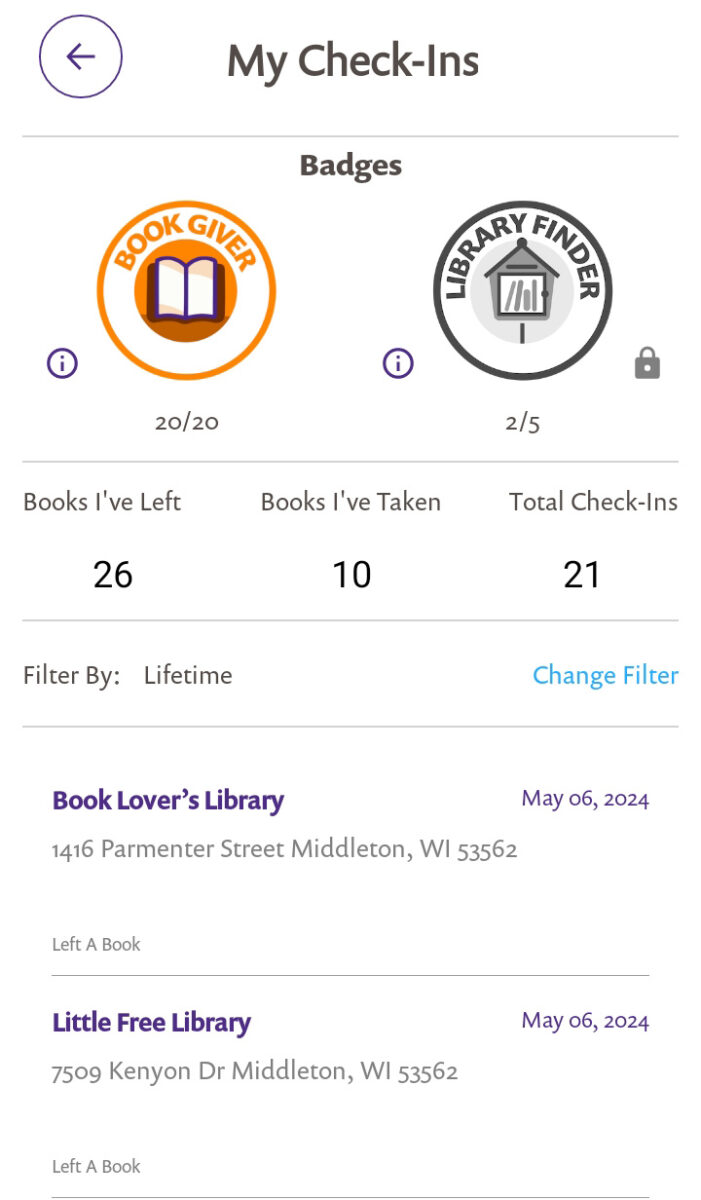
Track your progress as you work towards each badge by tapping on My Account in the main menu and then tapping on either Badges or My Check-Ins. On the My Check-Ins screen, the current level of each badge that you have earned will display. If you haven’t unlocked the badge or its first level, the badge will be greyed out. Beneath the Library Finder and Book Giver badges are a count showing your progress. Tap the i icon next to each badge for instructions on how to earn it. Tap View in the upper-right corner to see all available badges.