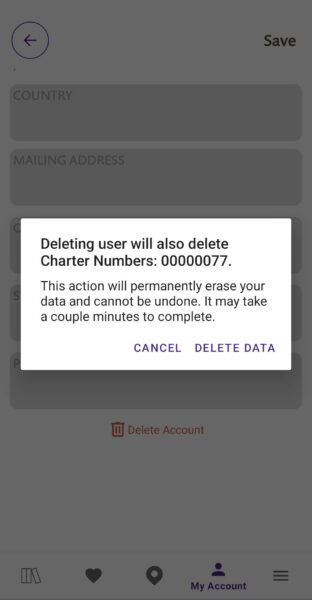
To delete your account, open the Little Free Library mobile app and tap My Account. Then tap Edit Profile Info. Scroll to the bottom and tap Delete Account. You will see a prompt asking you to confirm that you want to delete your account. Tap Delete Account to complete the process. Your account cannot be recovered once it is deleted.
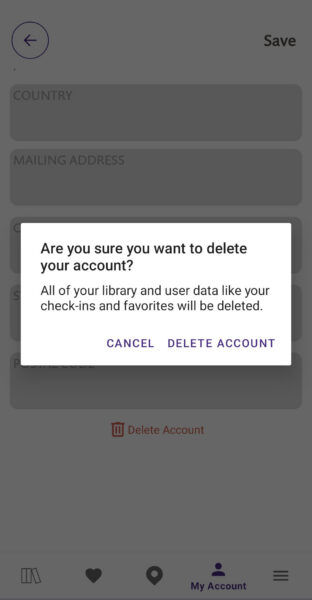
If you are a Little Free Library steward and you delete your account, you will see a second prompt (see below). If you delete your account, any libraries that you steward will also be deleted from our world map and database. They cannot be recovered. If you do not want your library information to be deleted, transfer your library to the new steward before you delete your account.