
It’s free and easy to create an account in the Little Free Library mobile app! The app is currently available for iOS and Android. Start by downloading the app from the App Store or the Google Play Store. By creating an account, you unlock some of the best interactive features of the app like Favorites, Check-Ins, Routes, and more. If you’re a registered steward, learn how to set up a steward account in the app.
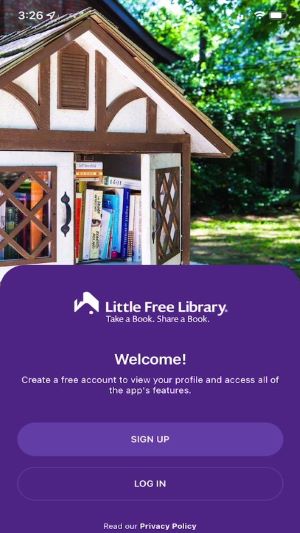
To create an account, open the app and tap My Account in the main menu. Then tap Sign Up.
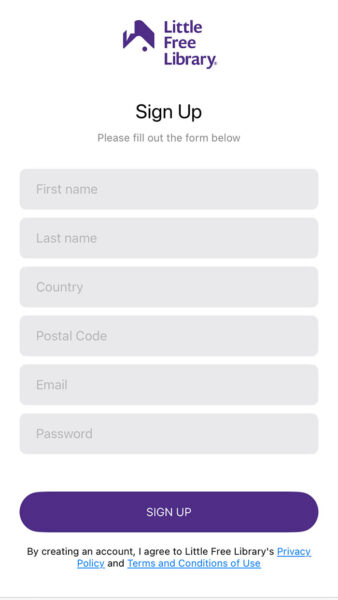
Enter your name, email, country, postal code, email, and password, then tap Sign Up. Postal code and country information are used to establish an approximate location so that we may notify you when a new library is installed in your area. You may opt out of some or all notifications by logging in, tapping on My Account, then tapping on Edit Profile.
You’re almost there, but there’s one more step! Check your email for a confirmation email from Little Free Library. You should receive the email within a few minutes of signing up. Click the link in the email to confirm your email address. Your account is now set up!